
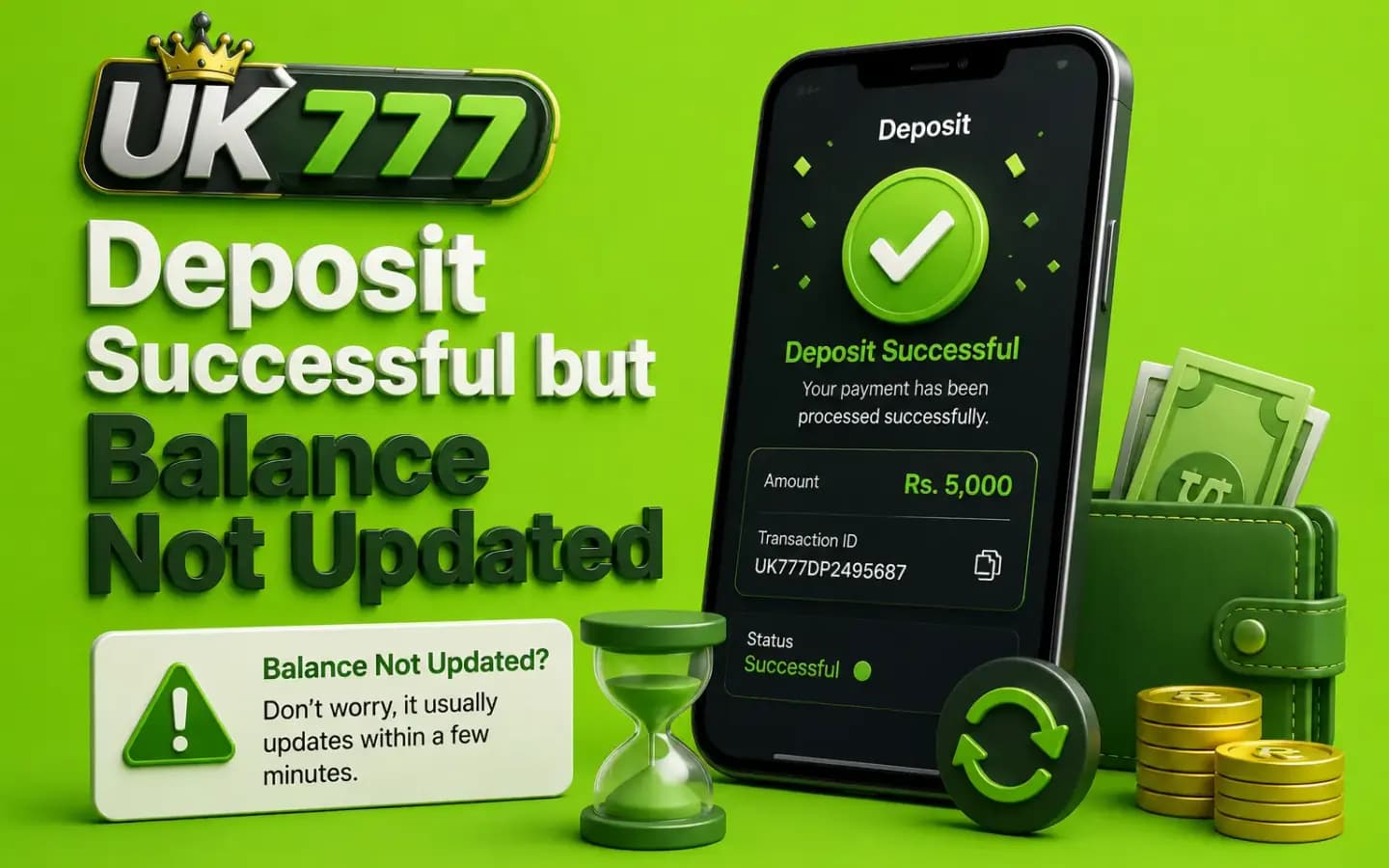
A completed UK777 deposit with the account balance still showing the old amountPayments

UK777 Deposit Successful but Balance Not Updated

Published August 8, 2026

A UK777 deposit may show as completed in a mobile wallet or bank account while the gaming balance remains unchanged.

This does not always mean the money has been lost. The transaction may still be waiting for matching, confirmation or manual review.

The safest response is to avoid sending a second payment immediately. First collect the transaction evidence and check the deposit status inside the account.

1. The Payment Is Still Being Processed

A mobile wallet may mark a transfer as completed before the receiving platform finishes matching it to an account.

Processing can depend on:

  • Payment method
  • Reference number
  • Recipient system
  • Network condition
  • Manual review
  • Account verification

Do not rely on an exact payment time unless it appears in the current written terms.

2. The Reference Number Was Not Submitted

Some deposit processes require users to enter a transaction ID after completing the payment.

When this step is missed, the platform may receive the money but fail to connect it automatically to the account.

Open the deposit or transaction-history section and check whether a reference can still be submitted.

3. The Wrong Recipient Was Used

Payment details can change.

A recipient saved from an older transaction may no longer match the current instructions.

Compare:

  • Recipient name
  • Mobile-wallet number
  • Bank account
  • Requested amount
  • Payment reference
  • Date and time

Contact the payment provider quickly when funds were sent to the wrong recipient.

4. The Amount Does Not Match

The platform may expect the exact amount entered in the deposit request.

Sending a different amount can prevent automatic matching.

Do not send the difference unless verified support provides written instructions.

5. The Deposit Request Expired

Some payment instructions may remain valid only for a limited period.

A transfer completed after expiry may need manual review.

Save the original deposit request and payment receipt.

6. The Payment Came From Another Person's Account

A third-party wallet or bank account may cause a name mismatch.

The platform may delay or reject the deposit when the payment owner differs from the registered user.

Use your own verified payment method where required.

7. The Deposit Was Added to a Different Balance

Some platforms separate:

  • Cash balance
  • Bonus balance
  • Sports balance
  • Casino balance
  • Locked promotional funds

Check every balance section and the transaction history before reporting a missing deposit.

What to Do First

Follow this order:

  1. 1Do not deposit again.
  2. 2Open the mobile wallet or bank history.
  3. 3Confirm that the transaction was completed.
  4. 4Check the recipient details.
  5. 5Save the transaction ID.
  6. 6Open UK777 transaction history.
  7. 7Check pending and failed sections.
  8. 8Review the selected account balance.
  9. 9Take screenshots.
  10. 10Contact verified support.

Avoid sending full wallet login details or a PIN.

Evidence to Save

Collect:

  • UK777 account ID
  • Deposit amount
  • Date and time
  • Payment method
  • Recipient name
  • Recipient number
  • Transaction ID
  • Payment receipt
  • Deposit-request screenshot
  • Account-balance screenshot
  • Support ticket number

Hide unrelated financial details before uploading a screenshot.

How to Contact UK777 Support Safely

Use a support option found inside:

  • The logged-in account
  • The verified website
  • The official help centre
  • A confirmed email address

Be cautious of support accounts found through search results, social-media comments or private groups.

A genuine representative should not request:

  • Mobile-wallet PIN
  • Banking password
  • Full OTP
  • Remote-control access
  • Additional payment to locate the deposit

Should You Make Another Deposit?

Do not send another payment merely to test whether the system works.

A second transaction can:

  • Create another pending deposit
  • Make evidence harder to organise
  • Increase financial loss
  • Confuse the transaction history
  • Expose users to repeated payment errors

Resolve the first payment before making another financial decision.

What if Support Says No Payment Was Received?

Ask for the reason in writing.

Then check with the mobile wallet or bank whether:

  • The transaction was completed
  • It was reversed
  • The recipient received it
  • A trace or complaint number is available

Keep records from both sides.

Deposit Scam Warning

Do not send money when someone claims that you must make:

  • A verification deposit
  • A balance-unlock deposit
  • A support charge
  • A tax payment to a personal wallet
  • A second deposit to recover the first
  • A security payment outside the platform

Such demands require careful verification.

Conclusion

When a UK777 deposit is successful but the balance is not updated, avoid making another payment. Confirm the recipient, amount, reference and transaction status first.

Save all evidence and contact support only through a verified channel. Never share a wallet PIN, OTP or banking password.

Related Guides

Payment methods, checks and safety rules before you pay. UK777 Deposit Guide

Verification, processing checks and pending-request help. UK777 Withdrawal Guide

Spot fake domains, cloned apps and scam support accounts. How to Identify a Fake UK777 Website

Frequently Asked Questions

01Why is my UK777 deposit not showing?

The transaction may be pending, unmatched, sent with incorrect details or added to another balance section.

02Should I deposit again?

No. Investigate the first transaction before sending more money.

03What proof should I provide?

Share the transaction ID, amount, date, recipient and a receipt with sensitive details hidden.

04Can support ask for my wallet PIN?

No. Never share a mobile-wallet or banking PIN.

05What if I sent the wrong amount?

Contact verified support and ask whether manual matching is possible.

06What if I sent money to the wrong number?

Contact the payment provider immediately. Recovery may not be guaranteed.

Get the App and Create Your Account