
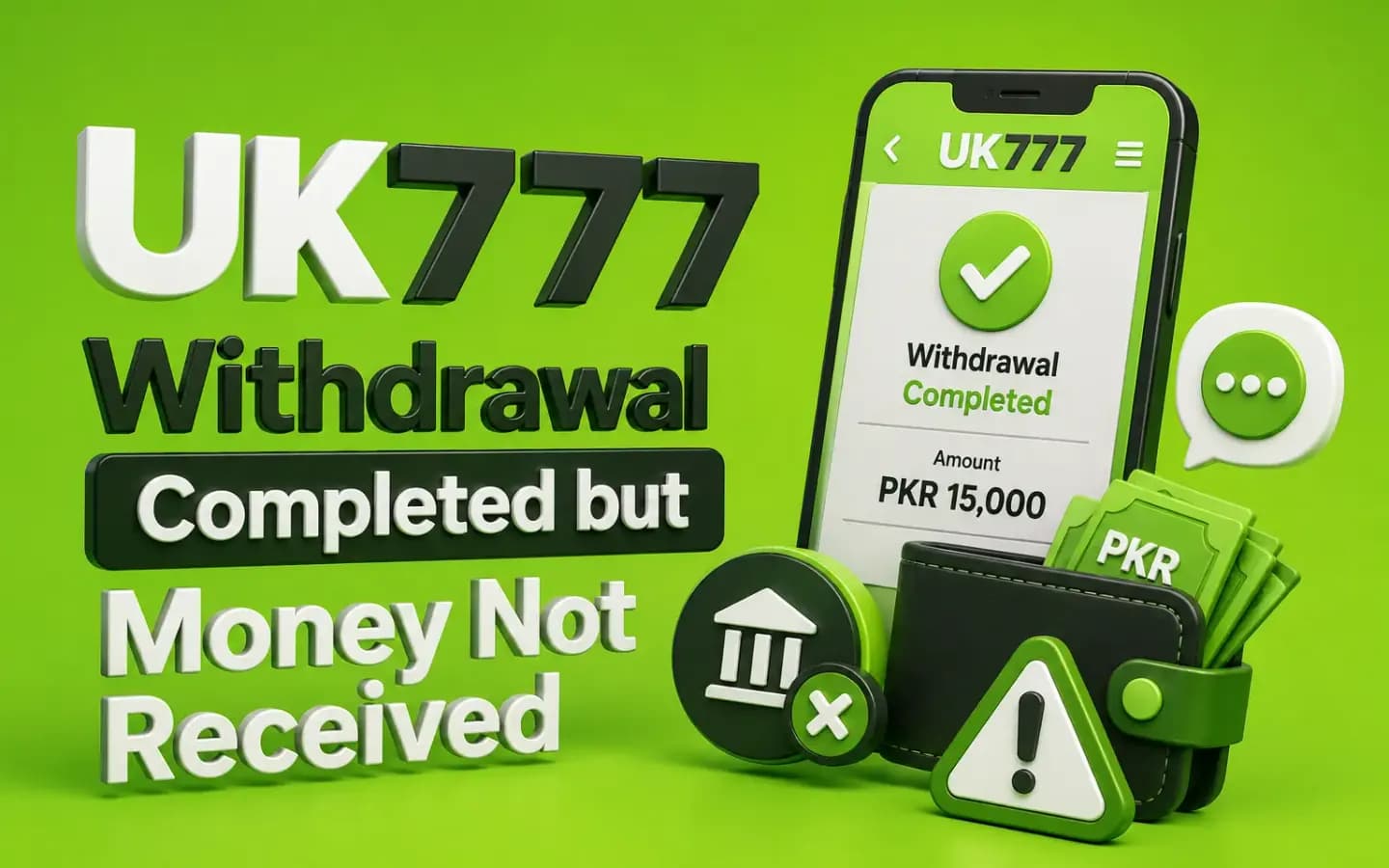
A completed UK777 withdrawal where the money has not yet reached the payout accountPayments

UK777 Withdrawal Completed but Money Not Received

Published August 8, 2026

A UK777 withdrawal may appear as completed or processed even though the money has not reached the selected wallet or bank account.

The wording can be confusing. “Processed” may mean that the platform has approved the request, while actual payment delivery may still depend on another provider.

Do not pay a private agent to release the funds. Collect the withdrawal evidence and check the receiving account details first.

What Does “Completed” Mean?

The exact meaning depends on the platform.

A completed status may indicate that:

  • The platform approved the request.
  • The payment instruction was sent.
  • The request left the internal queue.
  • A payment provider is processing it.
  • The platform considers its part finished.

It does not always prove that the receiving wallet has credited the money.

1. The Payment Provider Is Still Processing It

The wallet or bank may need additional time to credit the transaction.

Check the receiving account's transaction history rather than relying only on the visible balance.

2. Incorrect Account Details Were Entered

A wrong digit in the mobile number or bank account can direct the payment elsewhere or cause a rejection.

Compare the saved withdrawal details with your correct account information.

Do not publish the full account number when requesting help publicly.

3. The Receiving Account Has a Limit

Mobile wallets and bank accounts may apply transaction or balance limits.

A payment may be delayed, rejected or reversed when the receiving account cannot accept it.

Contact the payment provider and ask whether a limit affected the transfer.

4. The Payment Was Reversed

A withdrawal can be returned to the platform after being marked processed.

Check:

  • UK777 cash balance
  • Withdrawal history
  • Reversal notices
  • Wallet messages
  • Bank transaction status

Take screenshots before refreshing or submitting another request.

5. The Withdrawal Was Sent to an Old Payment Method

Users sometimes select a previously saved wallet or bank account.

Confirm which method appears in the withdrawal record.

If the payment went to an account you no longer control, contact both the platform and payment provider.

6. Account-Name Verification Failed

The platform or provider may delay a transfer when the registered user name does not match the receiving account.

Do not alter identity details simply to bypass verification.

Ask for the written reason and required correction process.

What to Check Immediately

  1. 1Open the withdrawal history.
  2. 2Save the request ID.
  3. 3Confirm the amount.
  4. 4Check the selected payment method.
  5. 5Review the masked account details.
  6. 6Check the wallet or bank history.
  7. 7Look for a reversal.
  8. 8Save screenshots.
  9. 9Contact verified support.
  10. 10Contact the payment provider when needed.

Do not submit repeated withdrawals while the first one is unresolved.

Evidence to Collect

Save:

  • Withdrawal request ID
  • UK777 account ID
  • Amount
  • Request date
  • Completed date
  • Selected method
  • Masked receiving details
  • Status screenshot
  • Wallet or bank history
  • Support ticket
  • Payment-provider complaint number

This evidence helps both sides trace the transaction.

How to Ask Support for a Trace

Send a clear message containing:

  • The request ID
  • Amount
  • Date and time
  • Payment method
  • Last visible status
  • Confirmation that the receiving account was checked

Ask for:

  • The payment reference
  • The provider used
  • The transfer status
  • Any reversal information
  • The expected next action

Do not accept a demand to pay a personal account for tracing.

Withdrawal Release-Fee Scams

Be careful when someone asks for:

  • Withdrawal tax through a personal wallet
  • Account-unlock payment
  • Payment verification fee
  • Priority-processing charge
  • Refundable security deposit
  • OTP to release the transfer
  • Remote access to the mobile phone

Any legitimate fee should appear in the written platform rules or transaction record.

What if UK777 and the Wallet Blame Each Other?

Request written evidence from both sides.

From UK777, ask for:

  • Transfer reference
  • Payment provider
  • Processing date
  • Destination details
  • Reversal status

From the wallet or bank, ask for:

  • Transaction trace
  • Incoming-transfer search
  • Account-limit check
  • Complaint reference

Keep all replies together.

Conclusion

When a UK777 withdrawal is marked completed but the money is missing, verify the selected payment method, receiving-account history and possible reversal.

Save the request ID and ask verified support for a payment trace. Never send additional money or share an OTP to release a withdrawal.

Related Guides

Verification, processing checks and pending-request help. UK777 Withdrawal Guide

Payment methods, checks and safety rules before you pay. UK777 Deposit Guide

What to do when a deposit doesn't reflect in your balance. UK777 Deposit Balance Not Updated

Frequently Asked Questions

01Why does UK777 say completed when I have not received money?

The platform may have approved or sent the payment while the receiving provider is still processing it.

02Should I request another withdrawal?

No. Resolve the first request before submitting another one.

03Can I share my full account number with support?

Use only a verified support channel and share the minimum details required.

04Should I pay a withdrawal-release fee?

Do not pay a private agent. Confirm every fee through the platform's written rules.

05What if the payment details are wrong?

Contact support immediately and ask whether the transaction can be stopped or traced.

06Can a completed withdrawal be reversed?

Yes, a payment may be returned when the receiving account rejects it.

Get the App and Create Your Account